Tuesday 18 November

Updated
Start with the vehicle and control unit you are working on. Find the relevant vehicle in our tuning-file catalogue, sign in to your account and follow the request steps shown for that job. Check the requested work and displayed credit cost before confirming. Keep the ECU identification and the source file together so our team can review the correct application.
ECU file handover checklist for workshops
A clear file request helps your workshop and calibration supplier work from the same information. Use this checklist before requesting a review. Follow the tool manufacturer's supported procedure for the exact ECU and protocol; this checklist does not replace it.
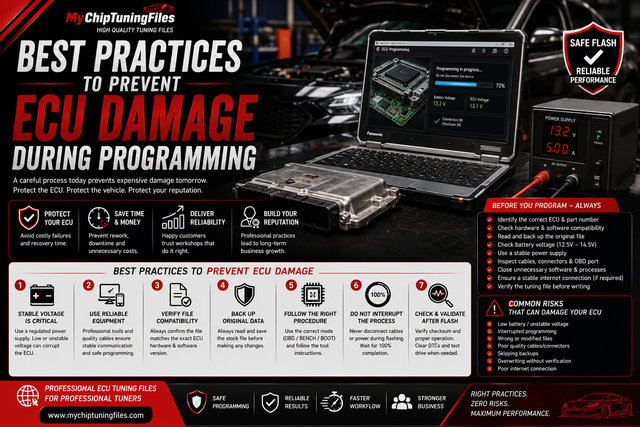
1. Identify the vehicle and control unit
- Record make, model, engine and model year.
- Include ECU or TCU type, hardware ID and software ID from the tool's identification report.
- Describe relevant mechanical modifications and the requested work. Do not send customer names or unrelated account information.
2. Describe how the file was obtained
- State the tool, its Master or Slave configuration and the protocol used.
- Specify OBD, Bench or Boot and whether this is a physical read, virtual read or supplied original file.
- Keep the tool's identification output with the request. Label files consistently; a filename alone does not establish ECU compatibility.
3. Establish the starting condition
- Say whether the vehicle is known to have previous software modifications; mark unknown history as unknown.
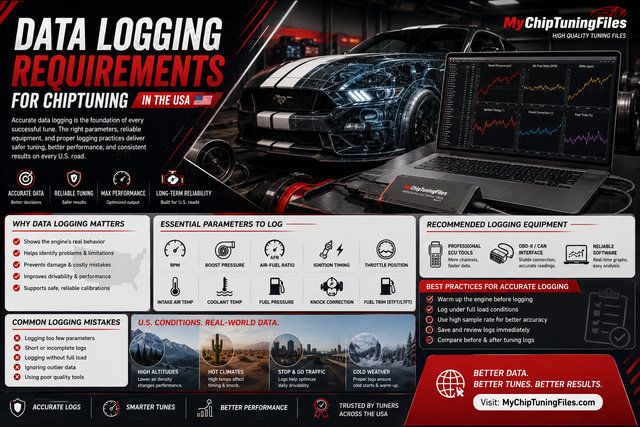
- Record relevant diagnostic findings and existing faults before programming.
- Agree with the supplier which logs or additional checks are needed. A calibration file is not a diagnosis of a mechanical fault.
4. Keep the original and the returned version distinct
- Preserve the source file and its identification details without overwriting it.
- Record the request reference, returned file version and any requested revisions.
- Confirm that the returned file belongs to this exact job before writing.
5. Confirm the next step before writing
- Follow the manufacturer's instructions for supported protocol, equipment and power supply.
- Resolve uncertain identification, file history or compatibility with the supplier first.
- Record the programming outcome and complete the agreed diagnostic and validation checks.
Preparing your workshop's first request? Review the MyChiptuningFiles file service. Choosing how to work with a supplier? Read our Master and Slave tool guide.
File reads and previously tuned vehicles
What is the difference between a virtual read and a normal read?
AutoTuner describes a virtual read as an original file downloaded from its server that matches the ECU software number. It returns an original file even when the vehicle is already tuned. A normal read reads the software currently in the ECU, so an existing tune can be present in that readout. State which operation produced your upload. See AutoTuner's explanation of virtual and normal reads.
Which file should I upload if the vehicle is already tuned?
Tell our team about the existing tune and provide the identification report, tool and protocol details. Where a normal read is supported, it can capture the current modified software. A virtual-read original does not contain that previous tune. If only a virtual read is available, label it accordingly and ask us which additional source files or checks are needed before proceeding. Do not describe unknown file history as original.
Does a Bench connection guarantee a physical or full read?
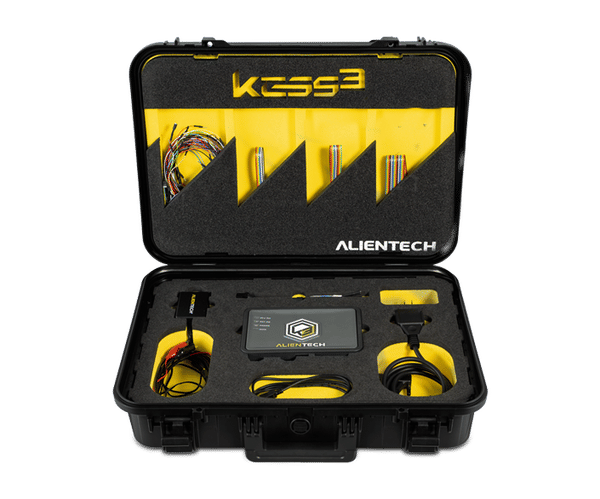
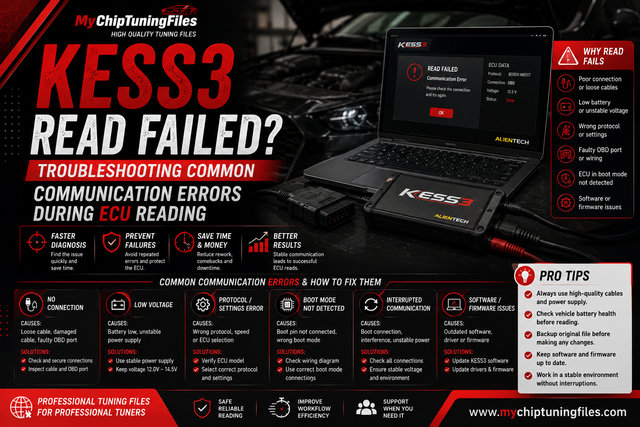
No. Bench describes the connection to the control unit; the available reading operation depends on the exact ECU and protocol. For example, Alientech's KESS3 update for Yamaha N-Max and X-Max 125 Denso XXX-H594A-XX ECUs explicitly provides Bench Virtual Reading, while its Boot procedure reads the entire ECU content. This is a specific application, not a rule for every ECU. Check your protocol manual and record both the connection method and the actual read operation.

Chiptuning tools
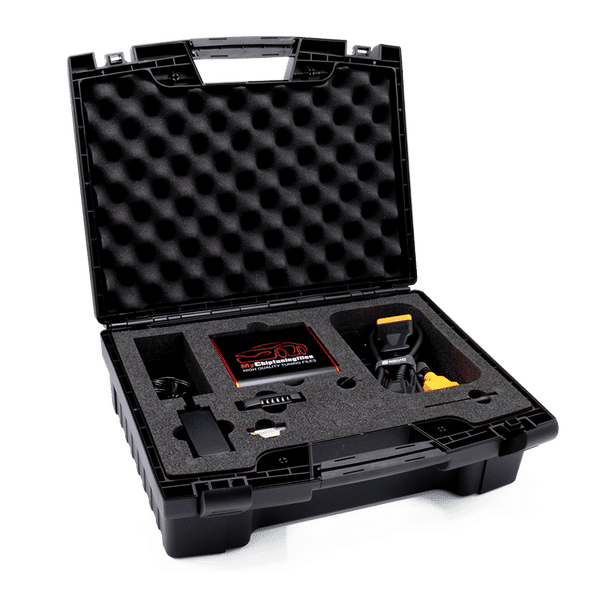
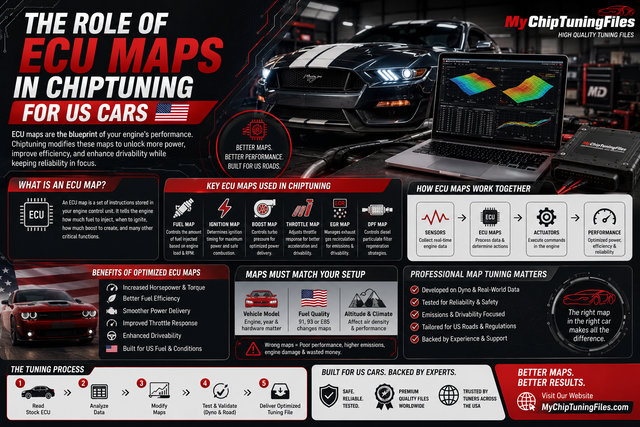
Whether you own a car, truck or tractor: we have the best equipment and software for tuning your petrol and diesel engine. With our chiptuning tools it is possible to easily read out the original engine software of your vehicle and upload it to our website. And then it's up to us to provide you with high-quality and customized chip tuning files. Curious about our range of chiptuning tools? Check it out via the button below!