Sunday 16 November
Updated
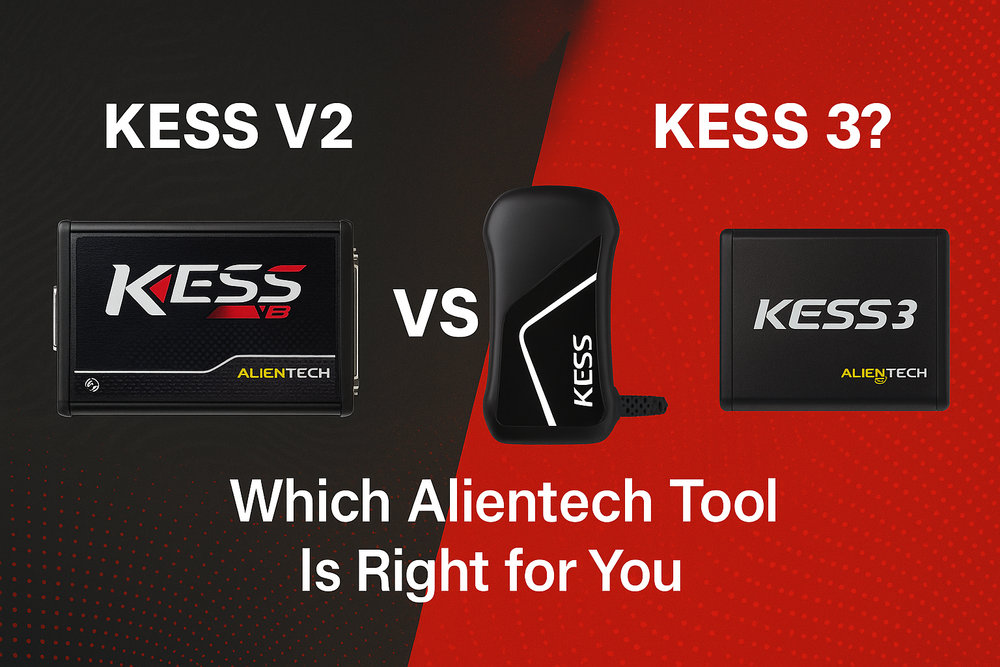
Choosing an Alientech tool for a garage starts with the jobs you need to complete: the identified ECU or TCU, the supported operation and the configuration you will use. Product names alone do not establish coverage.
Is Kess V3 a different product from KESS3?
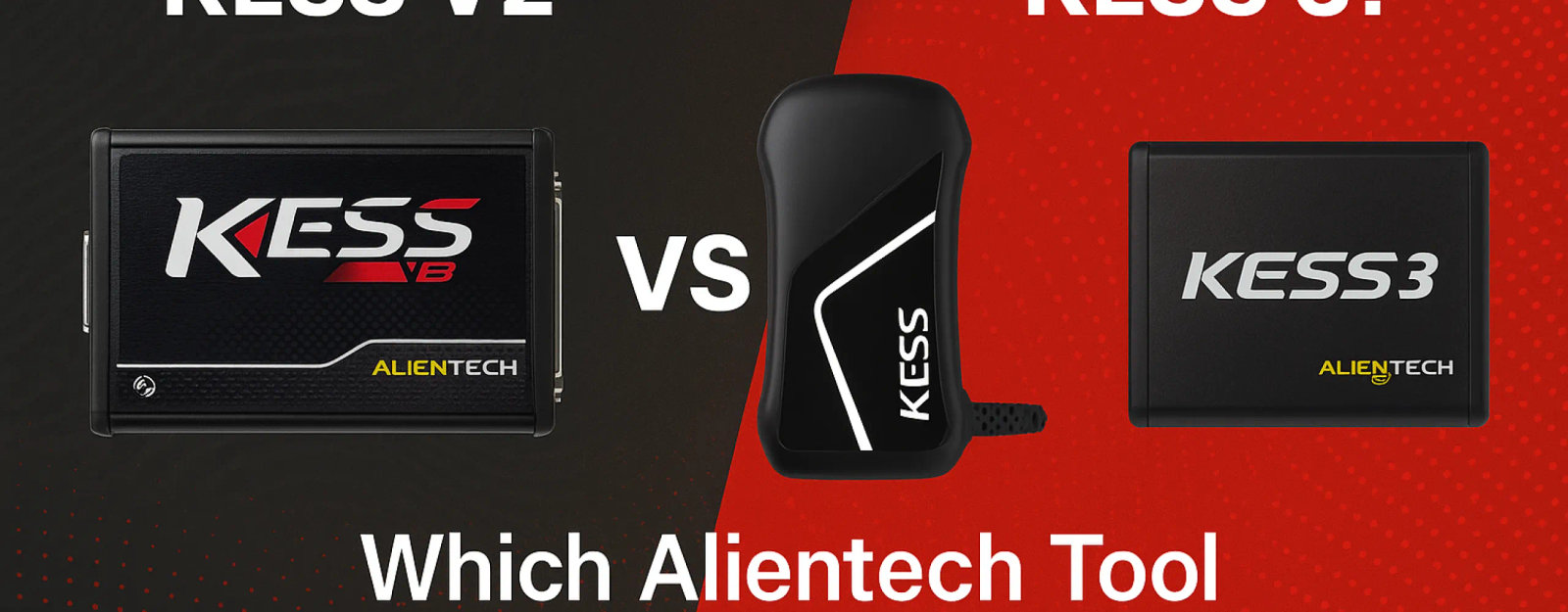
Alientech's current official product name is KESS3. Its published product history lists KESSv2 and then KESS3; it does not describe a separate intermediate “Kess V3” generation. If a listing uses “Kess V3” or “Kess 3”, ask for the exact manufacturer product, configuration and activation details rather than treating the wording as a different hardware specification.
The Alientech product history dates KESSv2 to 2009 and KESS3 to 2022. This comparison uses those official names.
KESSv2 and K-TAG: legacy status is not the same as no support
Alientech's Technical Support Terms of Service classify KESSv2 and K-TAG Master and Slave products as discontinued and no longer updated, while retaining technical-assistance support under the stated conditions. KESS3 Master and Slave are listed among currently manufactured and updated products.
For an existing KESSv2 installation, check the exact job against its available protocols and documentation. Do not assume every older vehicle is supported. Also avoid the blanket claim that KESSv2 had no Boot capability: Alientech's history records a TriCore Bootloader module for KESSv2 in 2010. That historical capability is not a promise of support for your particular ECU.
What do OBD, Bench and Boot mean for KESS3?
- OBD: communication through the diagnostic port.
- Bench: connection directly to the control unit's connector.
- Boot: access involving an opened control unit.
Alientech lists these modes for KESS3. A mode being part of the platform does not make it available for every application. Opening, wiring or accessing a unit must follow the selected protocol's instructions.
Separate the hardware, activations and Master/Slave workflow
Before comparing offers, confirm the physical tool, required connection accessories, activated vehicle categories and whether you are selecting a Master or Slave configuration. Alientech describes KESS3 as modular: categories can be added as workshop requirements change.
In Alientech's workflow, a Master handles file modification independently; a Slave sends the read file to its reference Master and receives the modified file for writing. Confirm that working relationship before choosing a Slave offer. These are workflow choices, not guarantees about the quality of a calibration. See the manufacturer's configuration FAQ.
Check the exact ECU before deciding to upgrade
Build the decision around actual workshop demand rather than a general “newer is better” claim. Search the current Alientech vehicle list for the relevant vehicle or control unit and verify the operation, connection method and prerequisites. A model can have different control units; identify the installed ECU and software rather than relying on the badge or engine power alone.
Record which jobs your existing equipment can complete and which require another supported method. Ask for an itemised configuration covering those gaps, including activation and subscription terms. Do not infer the complete working package from a hardware price or a product name.
Compare KESS3 options for your workshop
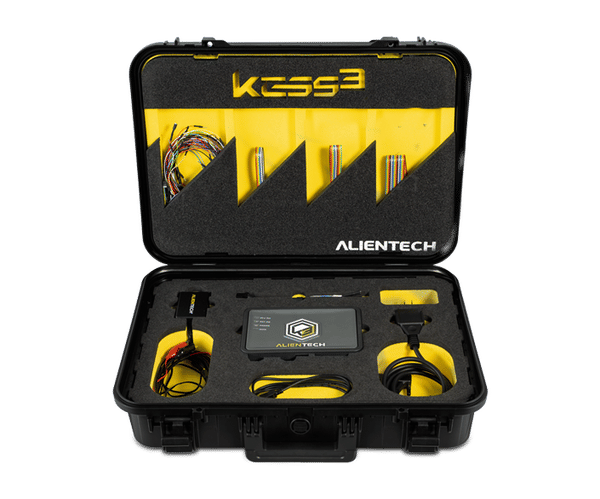
Review our existing KESS3 Slave and KESS3 Master listings alongside the Alientech tools catalogue. Check the configuration details for your intended jobs before ordering. For the vehicle side of the workflow, use our tuning-file catalogue as a starting point, then verify ECU and tool compatibility separately.
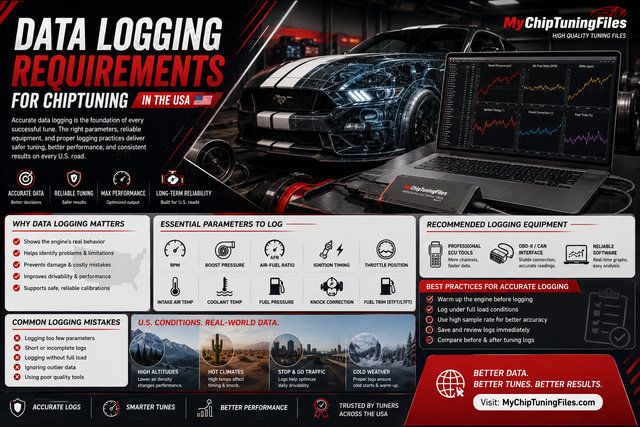

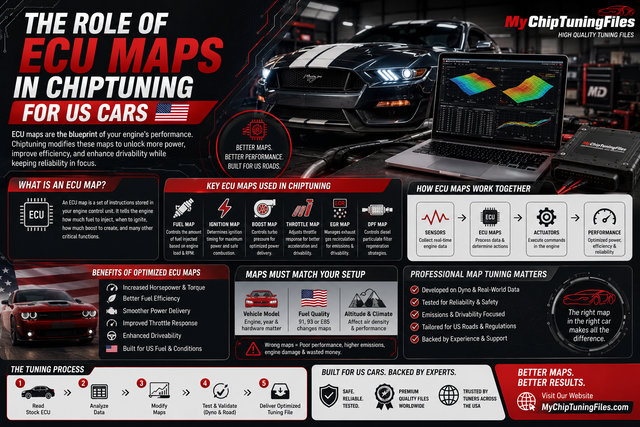
Chiptuning tools
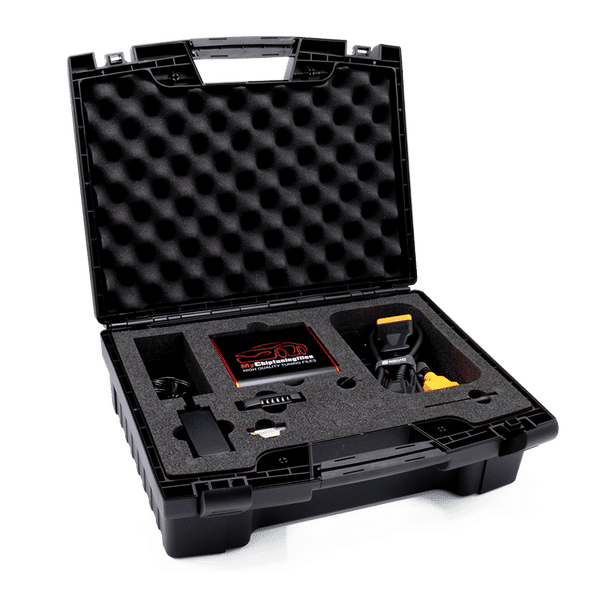
Whether you own a car, truck or tractor: we have the best equipment and software for tuning your petrol and diesel engine. With our chiptuning tools it is possible to easily read out the original engine software of your vehicle and upload it to our website. And then it's up to us to provide you with high-quality and customized chip tuning files. Curious about our range of chiptuning tools? Check it out via the button below!