Sunday 16 November
Updated
For an independent garage, “ECU programming” can describe several different jobs. A manufacturer software update, coding a replacement component and commissioning a tuning file require different checks. Start by defining the customer's request and identifying the control unit before selecting a tool or file.
ECU coding, programming and remapping: different jobs
Coding and adaptation concern supported configuration or component-adaptation functions. Programming or reprogramming writes software to a control module. The names and available operations vary by vehicle and diagnostic application; one function does not establish support for the others. Autel's programming and coding documentation describes this distinction and vehicle-dependent menus.
Remapping concerns changes to calibration data rather than simply installing an OEM update. A calibration editor and a device that communicates with an ECU have different roles. For example, EVC describes WinOLS as software for viewing and editing ECU memory contents and maps.
Before accepting a programming or remapping job
- Record the vehicle variant and the ECU identification returned by the supported tool. Keep the relevant hardware and software references with the job.
- Check the current manufacturer coverage list for that application and operation. A matching model name alone is not a compatibility check.
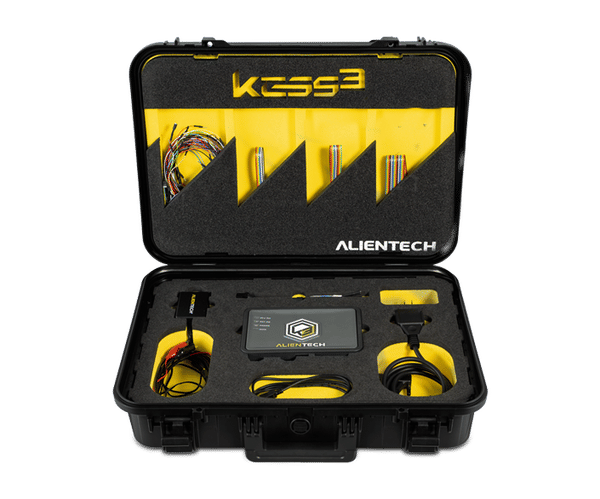
- Confirm the specified connection method and follow its instructions. Alientech distinguishes diagnostic-port access (OBD), direct connector access (Bench) and access requiring the control unit to be opened (Boot). The available method depends on the application.
- For OEM reprogramming, verify the vehicle manufacturer's software, interface and preparation requirements. Bosch stresses stable system voltage at the specified level, a functioning electrical system and following the manufacturer's procedure. Do not apply one generic voltage target to every job.
Use the Alientech vehicle and protocol list for its supported applications and Bosch's J2534 guidance for OEM reprogramming preparation.
Choose equipment by the job and supported ECU
For an OEM update, consult the vehicle manufacturer's application requirements. For a remapping job, verify the reading and writing operation supported by the selected tuning tool. A generic OBD adapter or a diagnostic fault-code function is not evidence that the required programming operation is supported.
Check what the selected tool means by “read”. AutoTuner's operation guide distinguishes ECU identification, normal reading and virtual reading. In its virtual-read workflow, the tool retrieves a corresponding original file from a server using the ECU ID. That is different from reading the data currently stored in the connected controller. Record which method was used when handing a job to a file provider.
A workshop workflow, not a universal flash procedure
Keep a job record linking the ECU identification, tool, connection method, source file and requested work. Retain the source material supplied for the job and make the handover clear enough for another technician to review. These are practical workshop documentation recommendations, not a substitute for the selected protocol's instructions.
Before writing, resolve any mismatch between the identified ECU, the file supplied and the supported operation with the tool or file provider. Follow the relevant procedure for preparation, writing and any required post-programming tasks. Bosch notes that diagnostic tasks such as relearns may be separate from the programming application; use the vehicle manufacturer's instructions rather than assuming a successful write completes the job.
What should a workshop promise its customer?
Describe the work agreed, the vehicle being assessed and how its result will be checked. Do not promise a universal power increase, fuel saving or guaranteed outcome from the tool name alone. Keep diagnosis and repairs distinct from a customer's performance request.
Finding tuning files and tools for your workshop
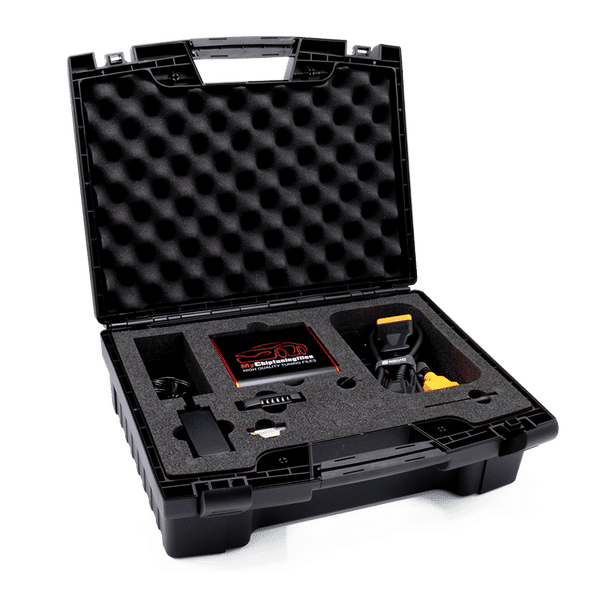
Use our tuning-file catalogue to find the relevant vehicle page and review its listed details. For equipment, browse our ECU tuning tools for garages and tuners. Then confirm the exact ECU, software and required operation against the tool manufacturer's current coverage before proceeding.

Chiptuning tools
Whether you own a car, truck or tractor: we have the best equipment and software for tuning your petrol and diesel engine. With our chiptuning tools it is possible to easily read out the original engine software of your vehicle and upload it to our website. And then it's up to us to provide you with high-quality and customized chip tuning files. Curious about our range of chiptuning tools? Check it out via the button below!